金仓KESV8安装
一、安装前的准备:1、下载相关的软件:(1)下载VMWARE虚拟机软件我的本机OS是Window,因此先下载window版的“VMware Workstation”。(2)下载Linux安装包:我工作环境中广泛使用的OS是red hat 7,因此下载与其兼容且免费的centos 7下载地址:(3)下载ssh客户端工具:因SecureCRT等SSH工具为商用收费软件,因此推荐大家使用免费的MobaX
一、安装前的准备:
1、下载相关的软件:
(1)下载VMWARE虚拟机软件
我的本机OS是Window,因此先下载window版的“VMware Workstation”。
下载地址:https://www.vmware.com/go/getworkstation-win
(2)下载Linux安装包:
我工作环境中广泛使用的OS是red hat 7,因此下载与其兼容且免费的centos 7
下载地址:
https://mirrors.tuna.tsinghua.edu.cn/centos/7.9.2009/isos/x86_64/
(3)下载ssh客户端工具:
因SecureCRT等SSH工具为商用收费软件,因此推荐大家使用免费的MobaXterm
下载地址:https://mobaxterm.mobatek.net/download-home-edition.html
(4)下载人大金仓KES安装包和许可证文件
下载地址:https://www.kingbase.com.cn/
2、安装
(1)配置系统参数以满足高并发要求
修改系统信号量
vim /etc/sysctl.conf
kernel.sem =SEMMSL SEMMNS SEMOPM SEMMNI
Kernel.sem = 51264000 400 2560
执行sysctl -p或重启linux生效
(2)修改RemoveIPC(centos7版本以上的修改)
vim /etc/systemd/ logind.conf
RemoveIPC=no
systemctl daemon-reload
systemctl restart systemd-logind.service
RemoveIPC作用是当user退出os之后,移动掉所有的IPC 物体,该特性可能导致实例宕机
(3)修改kingbase打开文件数量及进程数限制
vim /etc/security/limits.conf
kingbase soft              nproc    65536
kingbase hard    nproc
kingbase soft              nofile   65536
kingbase hard    nofile
注意:/etc/security/limits.d/20-nproc.conf中的值会覆盖limits.conf中的值
(4)修改磁盘调度策略
vim /etc/rc.local
echo deadline >/sys/block/sda/queue/scheduler
echo deadline >/sys/block/sdb/queue/scheduler
#bash /etc/rc.local  执行此脚本或重启os生效
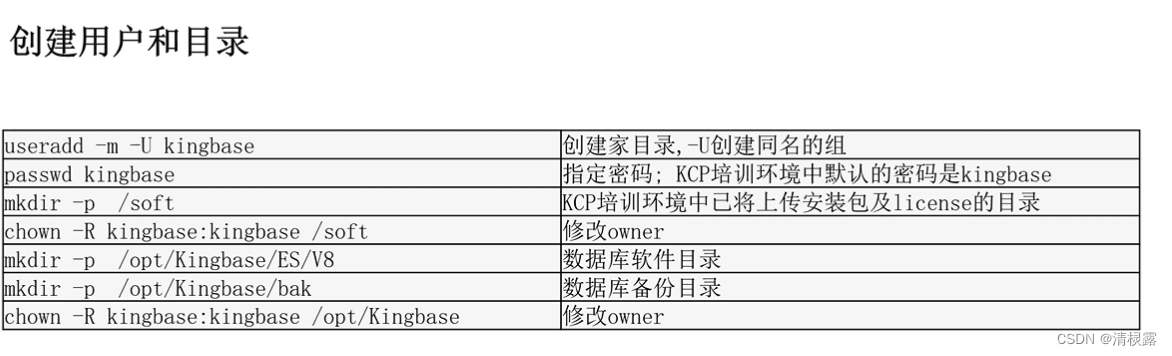
(3)注册v8为系统服务
su -root
 /opt/Kingbase/ES/V8/Scripts/root.sh
 确认已注册kingbase8d服务(有以下两种yyif)
 chkconfig --list|grep --color e8d
 systemctl list-dependencies|grep 8d
全文链接金仓
https://help.kingbase.com.cn/stage-api/profile/document/kes/v8r6/html/install-updata/linux/install-linux-kstudio/install-linux-3.html
成功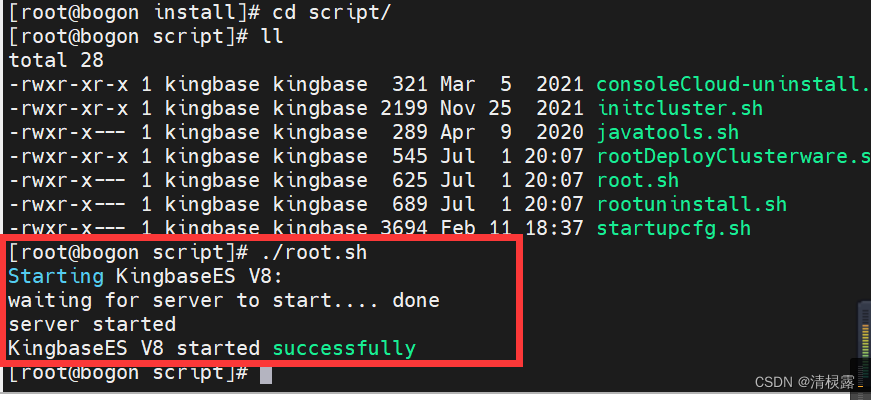
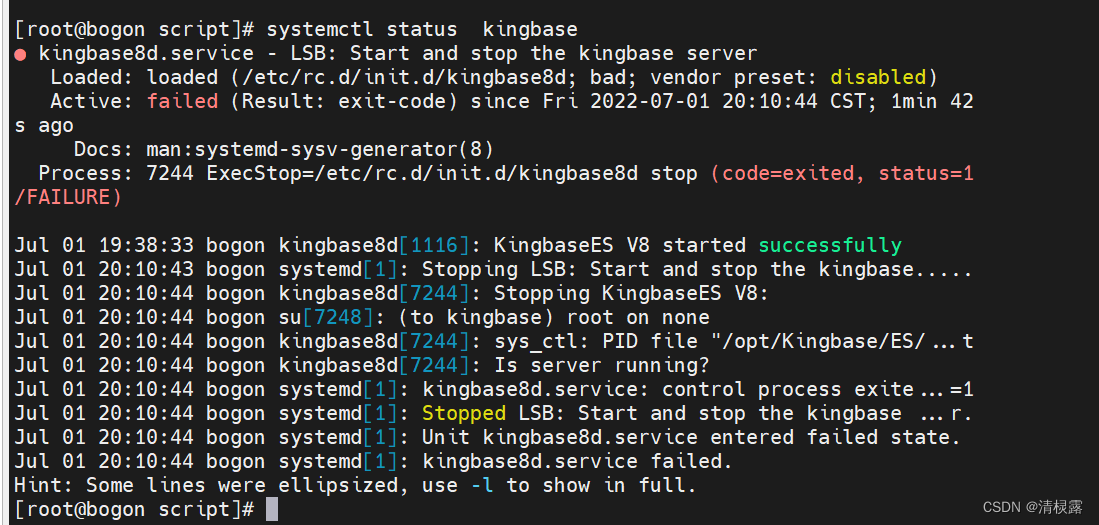
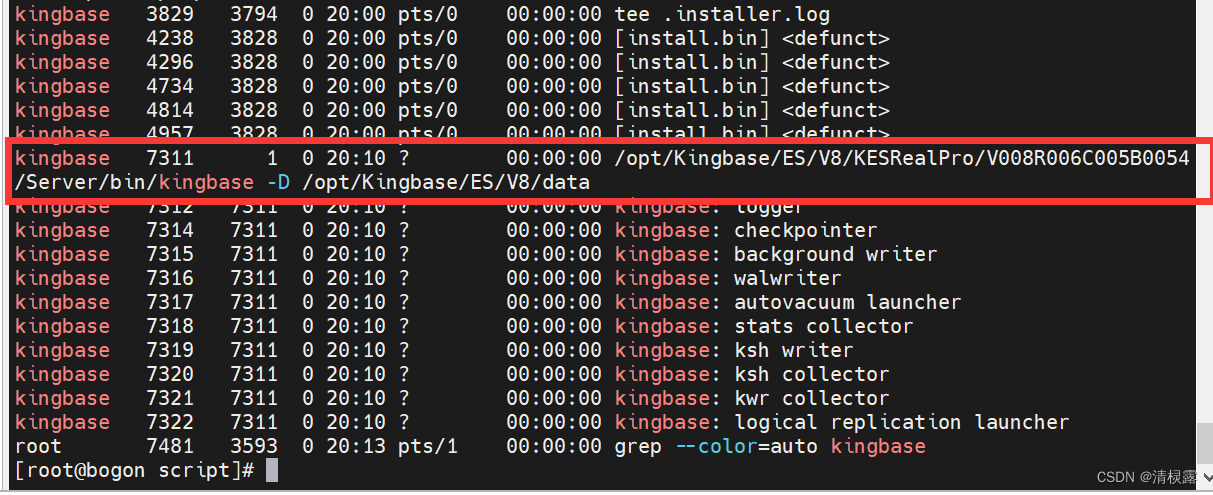
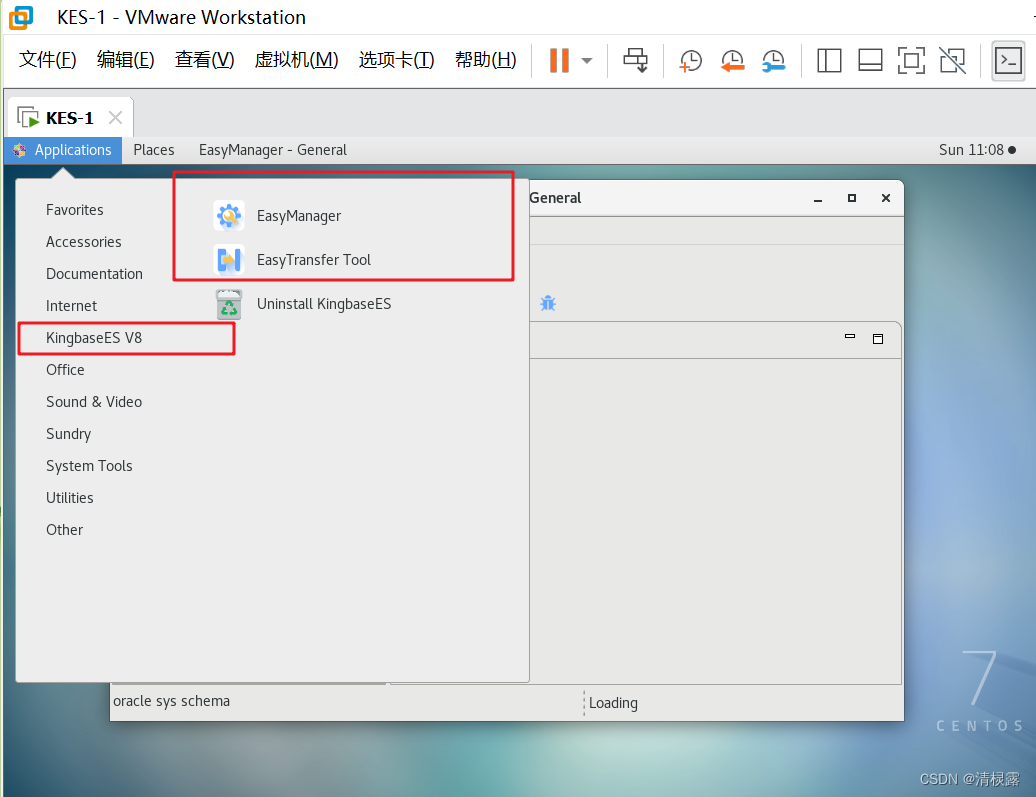
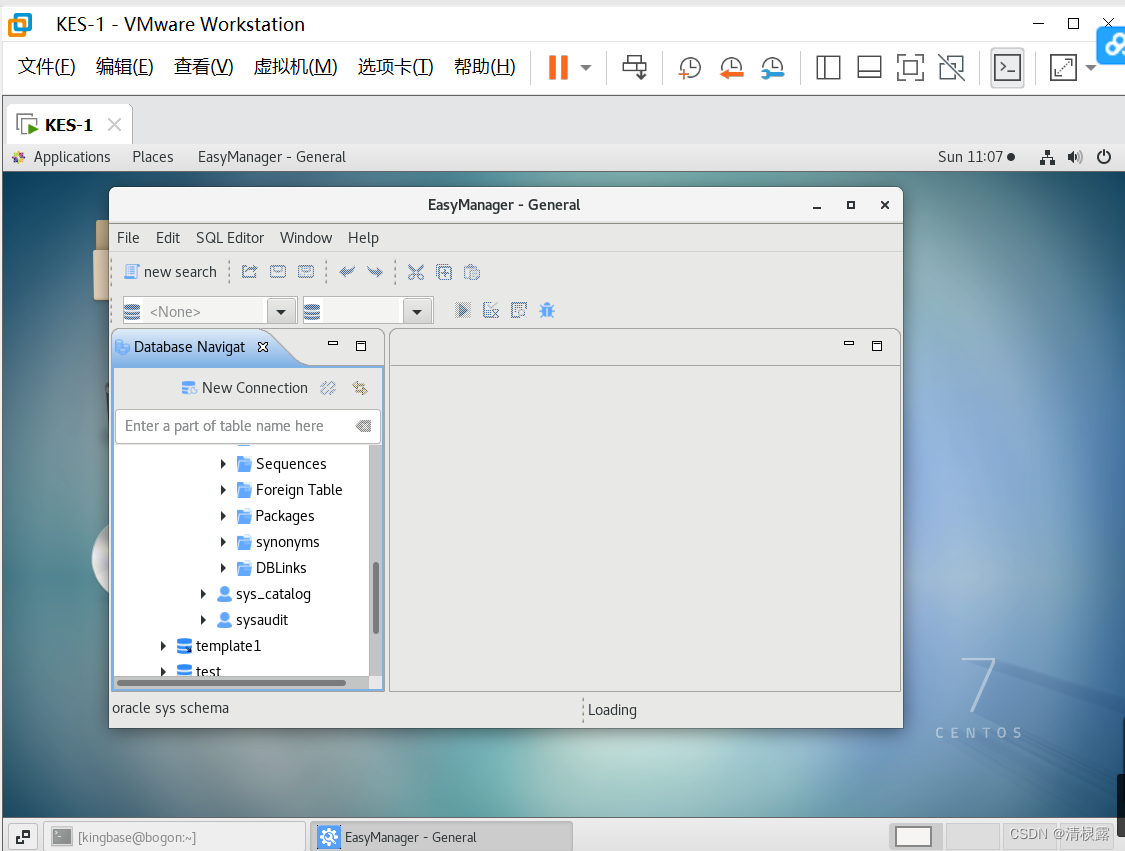
成功

华为开发者空间,是为全球开发者打造的专属开发空间,汇聚了华为优质开发资源及工具,致力于让每一位开发者拥有一台云主机,基于华为根生态开发、创新。
更多推荐



 0
0 0
0- 0


 已为社区贡献1条内容

所有评论(0)