安装虚拟机VMware 出现failed to install the hcmon driver 问题 避坑
·
更改注册表信息
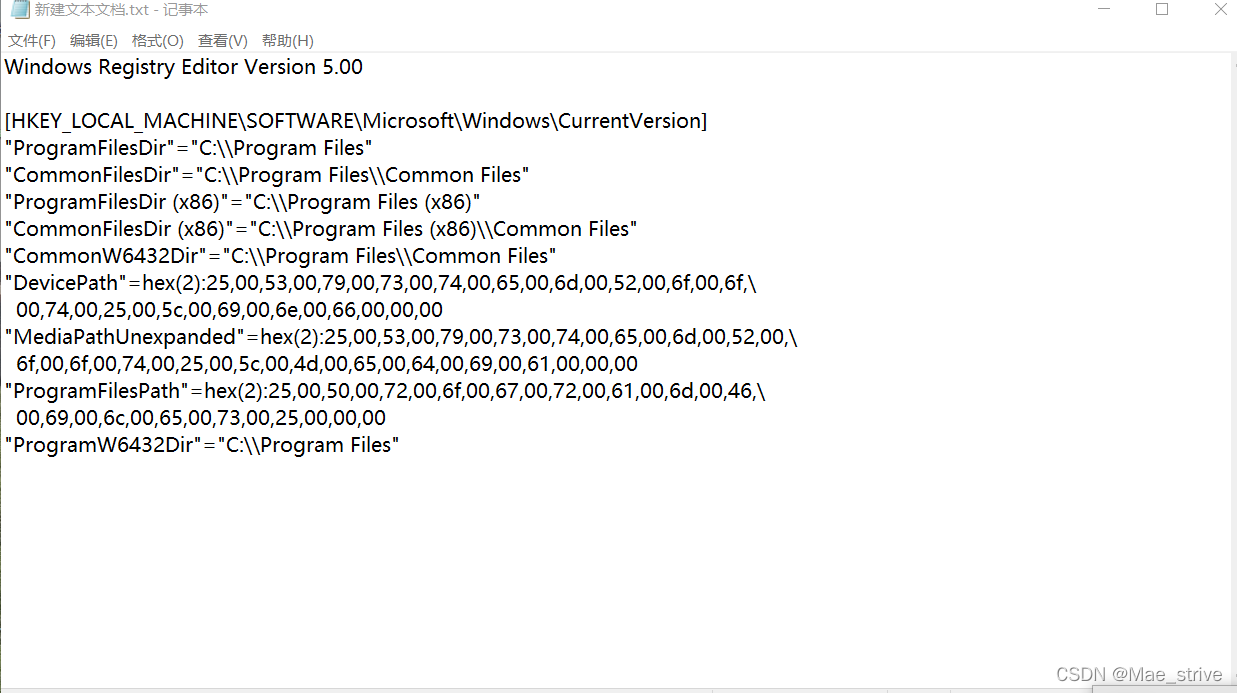
1、添加到记事本
Windows Registry Editor Version 5.00

[HKEY_LOCAL_MACHINE\SOFTWARE\Microsoft\Windows\CurrentVersion]
"ProgramFilesDir"="C:\\Program Files"
"CommonFilesDir"="C:\\Program Files\\Common Files"
"ProgramFilesDir (x86)"="C:\\Program Files (x86)"
"CommonFilesDir (x86)"="C:\\Program Files (x86)\\Common Files"
"CommonW6432Dir"="C:\\Program Files\\Common Files"
"DevicePath"=hex(2):25,00,53,00,79,00,73,00,74,00,65,00,6d,00,52,00,6f,00,6f,\
  00,74,00,25,00,5c,00,69,00,6e,00,66,00,00,00
"MediaPathUnexpanded"=hex(2):25,00,53,00,79,00,73,00,74,00,65,00,6d,00,52,00,\
  6f,00,6f,00,74,00,25,00,5c,00,4d,00,65,00,64,00,69,00,61,00,00,00
"ProgramFilesPath"=hex(2):25,00,50,00,72,00,6f,00,67,00,72,00,61,00,6d,00,46,\
  00,69,00,6c,00,65,00,73,00,25,00,00,00
"ProgramW6432Dir"="C:\\Program Files"
2、修改扩展名为 .reg

3、打开 提示不要管
4、再次安装VMware Workstation Pro

华为开发者空间,是为全球开发者打造的专属开发空间,汇聚了华为优质开发资源及工具,致力于让每一位开发者拥有一台云主机,基于华为根生态开发、创新。
更多推荐


 4
4 0
0- 0


 已为社区贡献2条内容

所有评论(0)