vue3 携带参数跳转|router传参
·
vue3 携带参数跳转|router传参
A页面点击按钮后携带参数跳转到B页面
原理
- 导入router
import { useRouter } from "vue-router"; - A页面传参
router.push({}) - B页面接收
route.params.num;
demo
route.js
{ path: '/A', name:'A',component: () => import('pages/A.vueB') },
{ path: '/B', name:'B',component: () => import('pages/B.vue') }
A页面
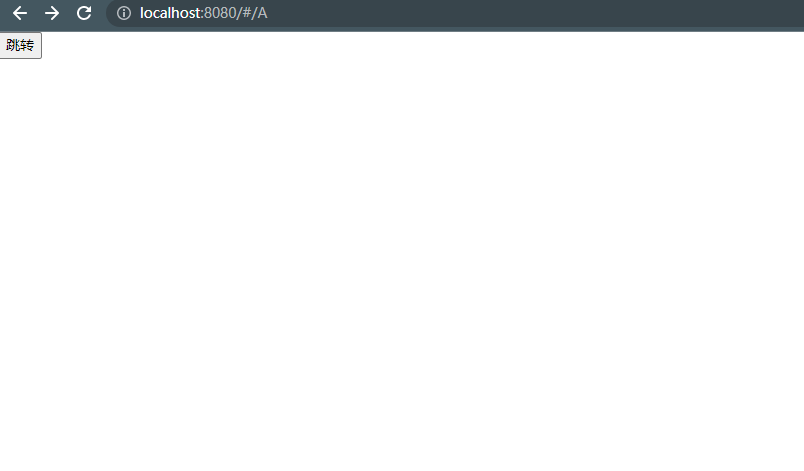
<template>
  <button @click="go">跳转</button>
</template>
<script>
import { useRouter } from "vue-router";
export default ({
    setup(props, ctx) {
        //router是全局路由对象,route= userRoute()是当前路由对象
        let router = useRouter();
        const go=()=>{
            router.push({
            //传递参数使用params的话,只能使用name指定(在route.js里面声明name)
            name:"B",
            params:{
                num:1
            }
            /* 使用query的话,指定path或者name都行
            path:'/home',
            query:{
            num:1
            } */
            })
        }
        return{
            go,
        }
    }
})
</script>
B页面
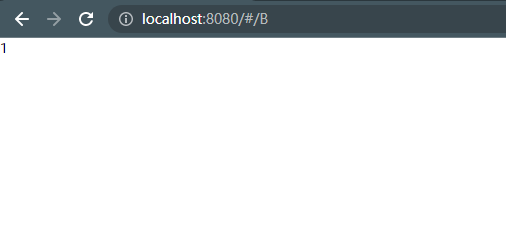
<template>
  {{ num }}
</template>
<script>
import { useRoute } from "vue-router";

export default {
  setup(props, ctx) {
    //router是全局路由对象,route= userRoute()是当前路由对象
    let route = useRoute();
    const num = route.params.num;
    console.log(num);
    return {
      num,
    };
  },
};
</script>

华为开发者空间,是为全球开发者打造的专属开发空间,汇聚了华为优质开发资源及工具,致力于让每一位开发者拥有一台云主机,基于华为根生态开发、创新。
更多推荐
 1
1 0
0- 0


 已为社区贡献2条内容

所有评论(0)